
Software
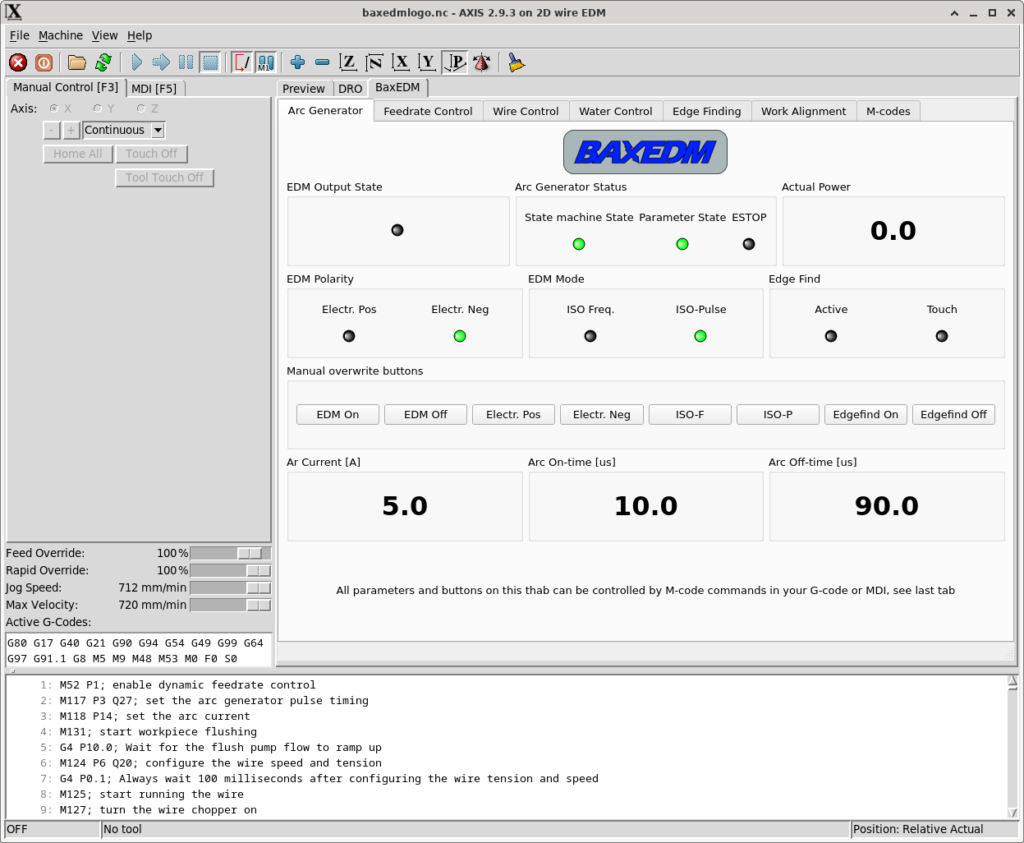
LinuxCNC, with EDM tabs.
The BaxEDM software installs into LinuxCNC and adds a set of tabs for the generator, the wire, the pumps and edge finding. The BX17 generation uses a Windows dashboard instead.
What the LinuxCNC components do
- A manual interface for the arc generator
- M-codes so G-code can set the generator
- Automatic feed control, for cutting speed without breaking the wire
- Wire snag detection and wire break detection
- Manual buttons, and M-codes, for pumps and wire handling
- Automatic work-edge location
- Automatic alignment of the work to the machine axes
The current installation procedure is the Debian 12 guide:
LinuxCNC installation on Debian 12
An older guide, written for LinuxCNC 2.8.4 on Debian Buster and a Minisforum mini PC, is also still published: LinuxCNC installation (2023). During that install, do not have the USB-RS485 adapter plugged in.
Fusion 360 post processor
Updated 24 September 2026. The current post is for LinuxCNC. EDM parameters entered in the post dialog are written into the G-code.
Older Dynomotion post
Built from a laser post and changed for 2D wire EDM: no Z moves, G0 changed to G1, no G28, no laser words, no tool changes, M30 at the end, default feed 50 mm/min. The machine finds its own feed. 50 mm/min is only the starting value.
BX17 dashboard
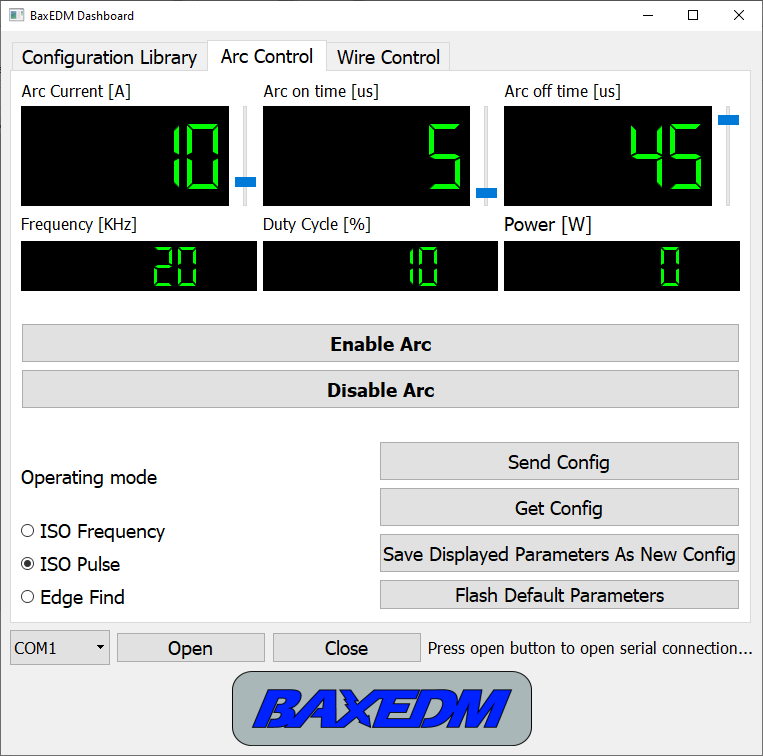
Windows application for the BX17 and, from revision 0.5, the C-Arc. Unpack the zip and keep EDMparameters.json in the same folder as the executable. Minimum system from rev 0.2: Windows 7, 32-bit, fully updated.
Dashboard 0.5 and the parameter library